
In the documented demo, grind fish into Fish Meat, feed the Fuel Larva, then transfer fuel using the pump nozzle. Producing fuel does not automatically fill the boat. The Throat generator uses a carried Fuel Can and a separate startup interaction, so refuelling the vessel and powering the gate complex are different tasks.
October 2026 demo; Early Access parity not tested. Research checked November 9, 2026.
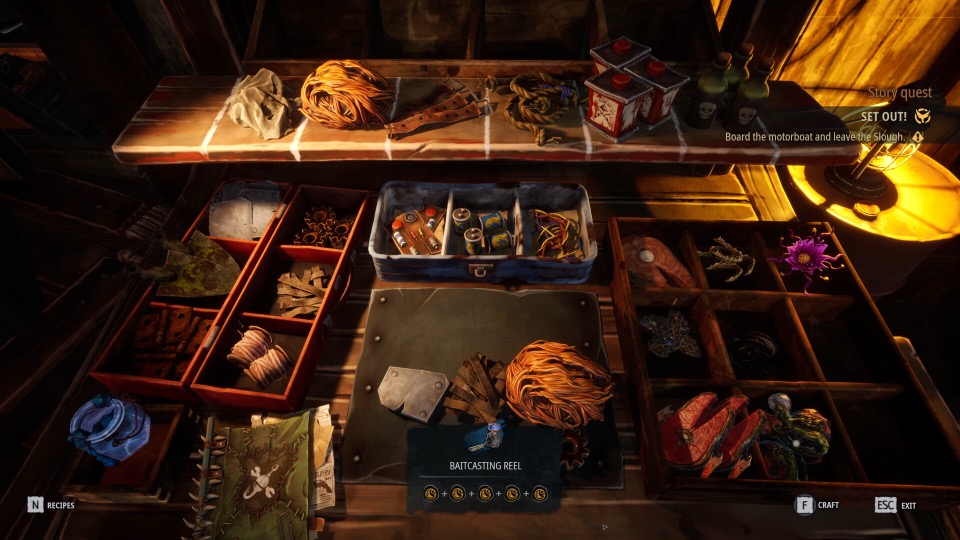
Official Steam screenshot · Dream Dock / Digital Vortex Entertainment. Illustrative media; material statement.
Separate production from transfer
The demo fuel chain begins with processing fish into Fish Meat. Feeding that material to the Fuel Larva supplies the production side of the system described in the collected guides. The next interaction is still required because the resulting fuel has not automatically been transferred into the vessel.
This explains why seeing fuel produced and seeing an empty boat tank are not necessarily contradictory observations. They can describe different points in the same chain. Check which interaction you have completed before treating the tank state as a failed production system.
The developer's official material confirms refuelling at stations and using recovered fuel cans. The more detailed Fuel Larva and pump instructions come from the version-labelled demo references. Keep that difference in scope in mind when matching the described sequence to your current journal and prompts.
Refuel the boat with the pump nozzle
At the documented demo station, take the nozzle with F, then hold the left mouse button at the tank opening. That interaction is the transfer step, following production rather than replacing it. The keys describe the recorded PC demo controls and should be checked against your current bindings.
If the station appears ready but the boat still needs fuel, inspect the nozzle interaction and the tank opening together. Being beside the station is not the same state as transferring its fuel into the vessel. Follow the displayed interaction prompt instead of assuming that feeding the larva finished every part of the task.
The research does not establish a guaranteed amount of fuel produced by each fish or a universal sailing-distance conversion. It also does not identify a fixed reserve that makes every journey safe. Prepare according to the next objective and the information your build actually displays, rather than planning around an unsupported number.
Use the Fuel Can for The Throat generator
The Throat generator is a separate interaction from the boat pump. The documented gate sequence uses a carried Fuel Can to fill the generator's tank and then performs a startup action. Filling that tank and starting the machine are two distinct states, just as producing boat fuel and transferring it are distinct states.
The generator belongs to The Throat gate complex, where the documented route continues on foot after docking. Tank and startup interactions are the supported ways to identify its role. The generator guide explains that area-level information without supplying an invented coordinate or floor-by-floor route.
Starting the generator is not the final solution to the gate puzzle. It establishes power before the gate-control and machinery-repair stages described in the demo walkthrough. Continue with the gate guide if the generator is running but the passage remains closed.
Diagnose an empty tank and a missing prompt differently
An empty tank after fuel production suggests checking the transfer stage. A Fuel Can with no usable pickup prompt describes a different problem, because it concerns access to the item or interaction. Those two symptoms should not be collapsed into one promise that a particular mouse action fixes all fuel problems.
Use the current binding shown by the game when an older instruction names a key. The documented F and left-mouse interactions are useful as a demo reference, not evidence that every release build retained the same binding. A changed prompt should be followed as an interface instruction rather than dismissed because it differs from a guide.
The supplied notes do not establish a universal repair for a stuck Fuel Can. They also do not show that downloading an update or restarting always restores the interaction. Describe the item, objective and build when reporting the problem so that a pickup issue is distinguishable from an empty station or an unstarted generator.
Put fuel into the departure checklist
The developer's trawler diary presents preparation and boat condition as central to reliable travel. Fuel belongs in that preparation alongside the materials required for the next objective. A purposeful expedition begins with knowing what you intend to accomplish and checking that the vessel is ready to leave.
The beginner guide connects that check to journal objectives, cargo and upgrade prerequisites. The boat upgrades page explains the research and installation stages separately. Keeping these jobs distinct prevents a newly crafted component from being mistaken for a fully maintained and fuelled boat.
What the recorded demo sequence supports
For the boat, the supported sequence is fish processing, larva feeding and pump transfer. For the generator, it is acquiring the local can, filling the tank and performing startup. These sequences explain the different interactions without claiming an exact fuel economy or a complete location list for every can.
The source notes are based on October demo coverage, not a hands-on Early Access run. If the installed version changes a recipe, interaction or prompt, use the displayed requirement for that version. This page keeps the documented chain available while avoiding a claim that all later fuel behavior has been tested.
Sources and research scope
This article synthesizes the supplied research document dated November 9, 2026. Demo instructions are attributed to the recorded builds; no hands-on Early Access playthrough is claimed.
- DREADMOOR.rest — Fuel and generator, demo v0.3.30–v0.3.32
- DREADMOOR Wiki — Fuel and generators, demo build 26140998
- Dream Dock — Secret Sauce Showcase and Demo News (July 16, 2026)
- Dream Dock — Dev Diary #6: The Trawler as a Lifeline
Found a build-specific difference? Send a correction with the objective wording and game version.