
Recorded demo data contains manual-save, quicksave and autosave interface labels, including confirmation that progress was saved. Use a save option actually available in your build and verify the resulting entry before quitting. The supplied research does not establish a universal quicksave key, save-anywhere rule or exact autosave triggers.
October 2026 demo; Early Access parity not tested. Research checked November 9, 2026.
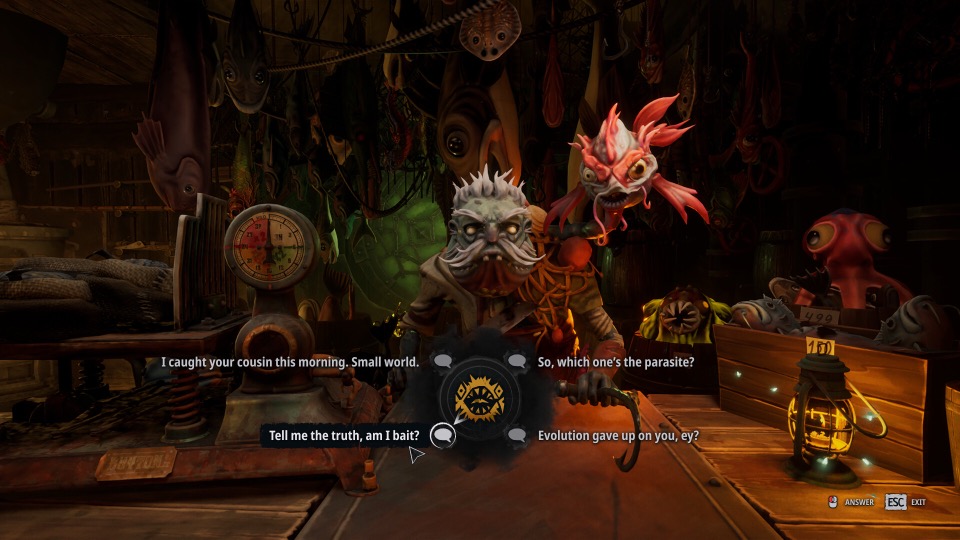
Official Steam screenshot · Dream Dock / Digital Vortex Entertainment. Illustrative media; material statement.
Look for a save action exposed by your build
The collected save reference reports interface strings from demo build 26140998. These labels establish that saving-related UI exists in that material, but they do not prove when each action is enabled during play. Start with the options your installed version makes available rather than borrowing a key from a different game.
Manual save, quicksave and autosave describe different interface concepts. The presence of their names in demo data does not establish a single shared input or one guaranteed event that triggers all saving. This page therefore does not tell you to use an unverified function key, bed or checkpoint as a universal solution.
The practical check is to confirm that the action produced a visible saved-progress confirmation or entry. That verification is more useful than assuming that opening a menu or reaching a location necessarily stored the current state. Do not exit solely because a guide named a trigger that your version has not confirmed.
Confirm the save before ending a session
The source notes specifically recommend checking the new entry before quitting. Use the information the game displays to distinguish an available save action from a completed one. If saving is not currently exposed, the supplied material does not establish a hidden universal command that can substitute for it.
Keep the current objective and game version with any report about saving being unavailable. Those details describe the context in which the menu is being used without assuming that saving must be possible at every moment. A report that identifies the actual menu state is more actionable than one based only on the existence of a quicksave label in extracted data.
The research does not provide a validated sequence for testing a save by overwriting other slots. It also does not establish every autosave interval. The safe information to carry forward is the distinction between requesting a save and seeing the result recorded by the game.
Locate the configured PC save directory
SteamDB's cloud-save configuration identifies the following Local AppData location for the PC game. The recorded configuration concerns .sav files and is useful as a backup reference. It does not independently prove that every historical demo build uses exactly the same directory.
%LOCALAPPDATA%\Dreadmoor\Saved\SaveGames
If you are inspecting this location, treat the existing files as progress worth preserving. The supplied notes advise backing up saves before troubleshooting resets, rather than deleting the only copy while diagnosing a compatibility problem. Keep a separate copy before following any instruction that would remove or replace saved data.
Cloud-save configuration and game save controls answer different questions. A configured directory helps identify where files may be stored, while the in-game menu determines which save actions are exposed. The directory alone does not establish a quicksave shortcut or prove that an autosave just happened.
Keep old playtest saves separate from demo compatibility
The developer's October 6 demo announcement warns that older playtest saves can cause problems. It recommends a fresh game for that transition. That statement concerns compatibility between versions, not evidence that every later save problem has the same cause.
Do not interpret the fresh-game recommendation as an instruction to erase progress before making a backup. First distinguish an old playtest save from a save created in the version you are currently running. Preserve the affected files if you need to report a reproducible problem or compare behavior after a reset.
The demo page covers the separate issue of demo access and the limits of save-transfer evidence. Continuing a historical playtest save, loading an October demo save and carrying progress into Early Access are not interchangeable claims. The supplied research does not justify promising that one file will work across all those versions.
Information excluded from this save guide
The source notes exclude claims about beds, checkpoints, a universal F5 key and specific console buttons. None of those controls was cross-verified for this article's scope. Leaving them out prevents a familiar-looking shortcut from being presented as a tested DREADMOOR instruction.
No hands-on Early Access saving test was performed in the underlying research. The beginner guide and walkthrough use the same version distinction for their progression advice. If the current build exposes different controls, use those displayed options and include the version when submitting a correction.
Sources and research scope
This article synthesizes the supplied research document dated November 9, 2026. Demo instructions are attributed to the recorded builds; no hands-on Early Access playthrough is claimed.
- DREADMOOR Wiki — Save interface, demo build 26140998
- Dream Dock — Demo Available Now! (October 6, 2026)
- DREADMOOR — Steam store
Found a build-specific difference? Send a correction with the objective wording and game version.